
wsl_ubuntu_for_key
This is an old revision of the document!
Table of Contents
Installing WSL Ubuntu w/ LAMP for Key
Note: WSL works on Windows 10 (>=2004) and Windows 11. For older versions reference the MS docs
LAMP commonly refers to Linux, Apache, Mysql & PHP, which was a common web development stack. There are newer, more modern replacements for each component but each alternative adds complexity.
Install WSL Ubuntu
Open PowerShell in Administrator mode.
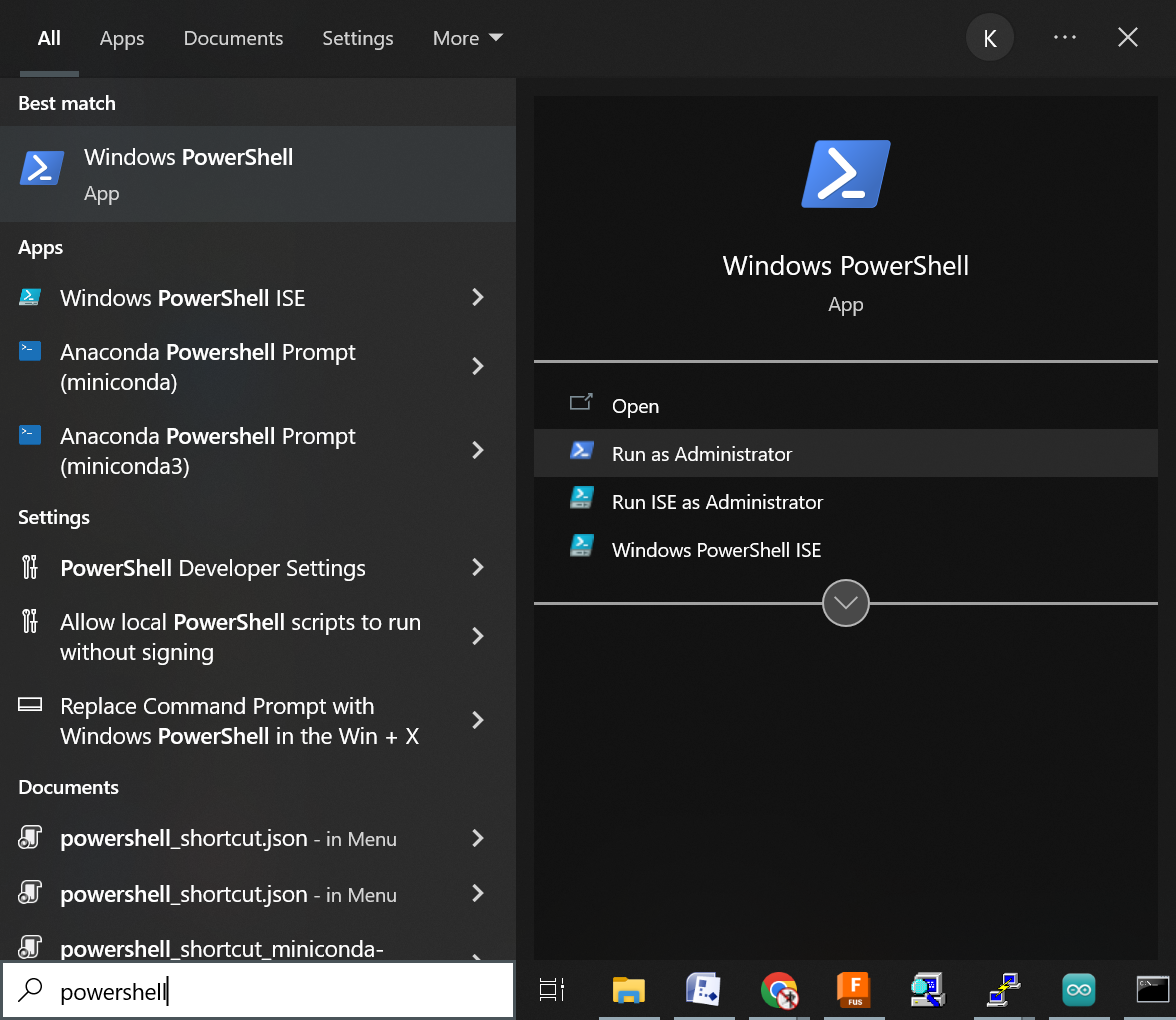
Then run
wsl --install -d Ubuntu
If you want to nuke the installation, verify the name of the installed WSL distribution using:
wsl -l
Which will list the installed distros, e.g.
Windows Subsystem for Linux Distributions:
Ubuntu (Default)
Then remove it by name, e.g.
wsl --unregister Ubuntu
Now update the system as there are dependencies that fail without it.
sudo apt update
Install LAMP
Now you can take a shortcut and install the entire stack with:
sudo apt install lamp-server^
Or install them individually like:
sudo apt install apache2
sudo apt install mysql-server
sudo apt install php libapache2-mod-php php-mysql
wsl_ubuntu_for_key.1744053716.txt.gz · Last modified: 2025/04/07 19:21 by kenson