BACK TO: Server Status OLED Display
USBasp: To firmware upgrade or not?
A lot of these chinese USBasp units are based on Thomas Fischl's design.
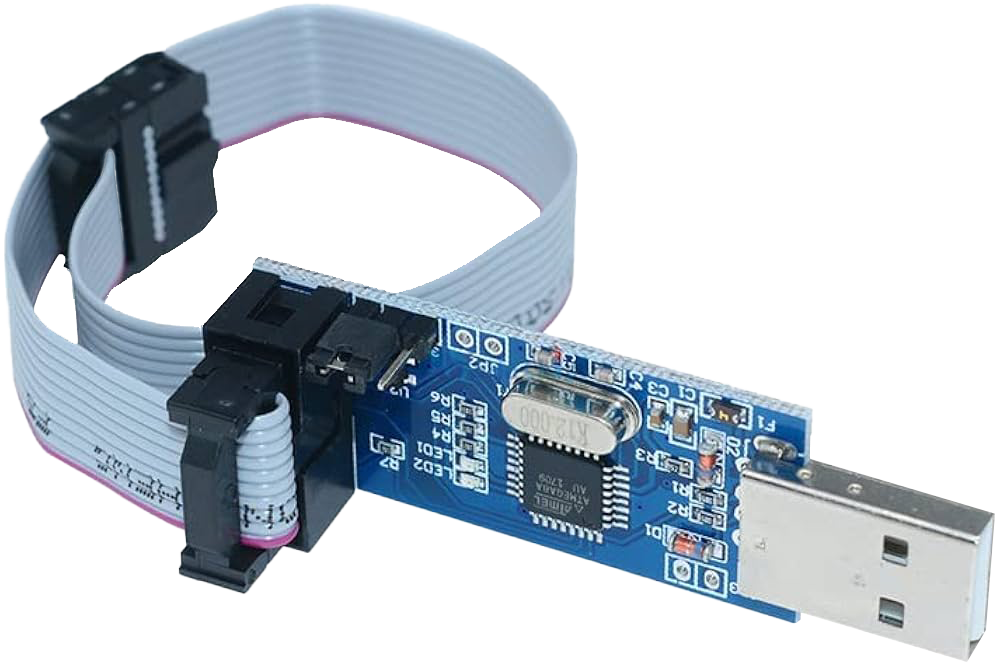
But they all originally had problems related to clock speed when programming larger micros (A classic example is the ATMEGA2560). Two groups solved the problem independently, the open source folks added a flag to set a specific CLK frequency (that you'd nudge up and down to find the sweet spot) and the chinese wrote a autodetect feature to find the correct CLK frequency automatically, but this fix was never submitted back to the original codebase.
Nowadays, the chinese proprietary version is significantly better than the open version. I found it works more reliably over a broader range of chips as it seems to have more bug fixes for even the latest chips, whereas the open source version has effectively been abandoned for over 6 years.
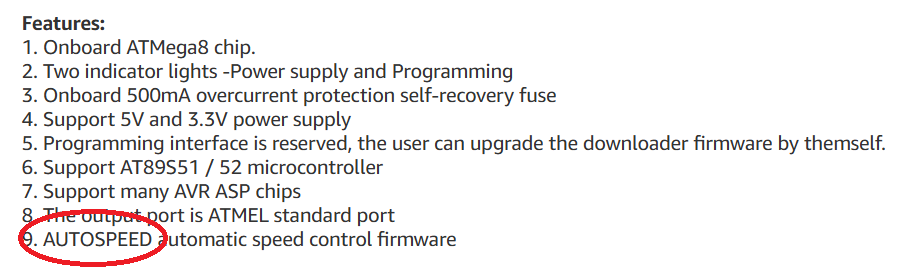
You can usually identify the USBasp with the correct chinese firmware by the advertised “AUTOSPEED” in the ad description.
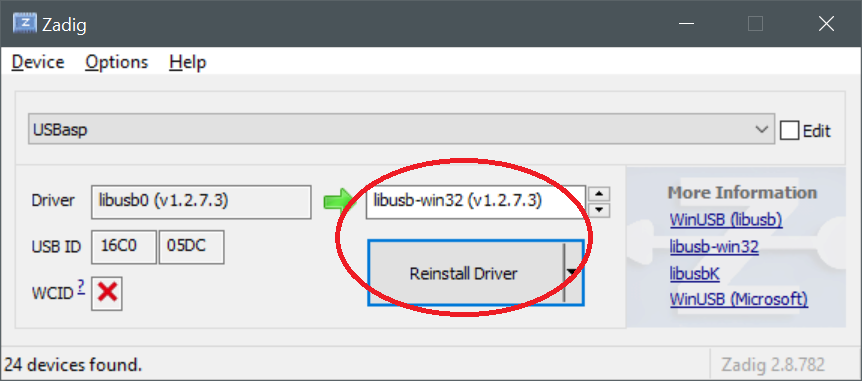
The reason everybody tries to upgrade is that you'll find that avrdude doesn't see the USBasp. The first step is to use zadig to change the USB library used by the USBasp to libusb-win32
Next the default version of avrdude included by Arduino, at least 2.3.2, may not see the card. The simplest solution is to just download avrdude v8 and extract it into Arduino's avrdude directory, overwriting the stock avrdude.exe. I haven't seen any issues with any other chips using this method.
The simplest way to find out where Arduino shoves avrdude is by going to “File”→“Preferences” and turning on the checkboxes “Show verbose output during [X] compile [X] upload”, then try to “Upload”, the logs will show the path to avrdude.
BACK TO: Server Status OLED Display